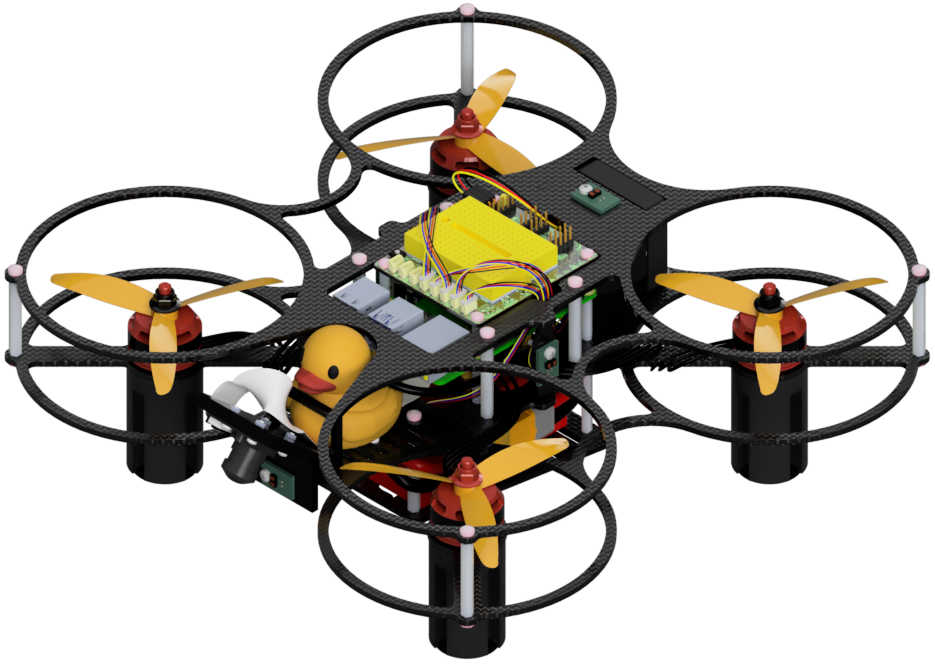
Troubleshooting
Contents
Troubleshooting#
It is not uncommon for something to go wrong during the build process, which is why we need to learn how to debug problems. Having a systematic approach is essential to any robotics project.
When encountering a problem, rather than simply redoing the build or replacing a part, try to identify which parts are working and which are not. The Duckiedrone will not fly until everything works.
Power issues#
Troubleshooting
SYMPTOM
My Raspberry Pi does not boot.
RESOLUTION
First verify that power reaches the Raspberry Pi. On a Raspberry Pi 4, the red power LED should be lit; a Raspberry Pi 5 uses a single bicolor status LED instead.
With a multimeter set to DC voltage, measure between a 5V pin and a GND pin on the Raspberry Pi’s 40-pin header. The header has two 5V pins and several ground pins; do not probe the 3.3V or signal GPIO pins. See the Raspberry Pi GPIO pinout.
If the voltage is absent or unstable, check the UBEC output and HUT power connections described in Common issues.
Make sure you did not use metal screws to mount the camera to the frame, as they can cause a short.
If the Raspberry Pi has a stable 5 V supply but shows no power/status LED or boot activity, disconnect power and inspect the wiring for a short. A Raspberry Pi that remains unresponsive after these checks may need replacement.
Troubleshooting
SYMPTOM
The motors do not turn on.
RESOLUTION
Remove the propellers before troubleshooting motor power. USB power does not power the ESCs, so connect the LiPo battery before testing them. ESC startup tones vary; do not rely on a particular beep sequence.
With a multimeter set to DC voltage, verify that the battery input to the FC/ESC stack’s power-distribution circuitry matches the 4S battery voltage (14.8 V nominal), not 12 V. Also verify that the Raspberry Pi receives a stable 5 V supply from the UBEC.
Raspberry Pi Issues#
For software-specific checks, connect to your Raspberry Pi using ssh. See First connection if you are not connected.
Troubleshooting
SYMPTOM
My Raspberry Pi is receiving power but does not boot.
RESOLUTION
Something might be wrong with your microSD card.
Verify that the microSD card was initialized using Software Initialization.
Check that the microSD card is fully inserted in the Raspberry Pi.
If the problem persists, connect a keyboard and monitor during boot. Error messages on the display can help identify the fault.
Camera#
For current camera diagnostics, including camera-cable checks and Dashboard symptoms, see Common issues. The Duckiedrone DD24-B uses the driver-camera and ros2-camera containers rather than GNU Screen and raspistill.
Flight Controller#
Check the Flight Controller, ESCs, and motors. With the propellers removed and the battery disconnected, inspect the FC-to-ESC connector and all motor leads. Reconnect the battery to confirm that the ESCs power up; startup tones vary by ESC firmware. If an ESC does not power up, check the battery connection and the FC/ESC wiring. Then use QGroundControl’s Actuators page to verify motor order and direction as described in Motor configuration.
Calibrate the sensors as described in Sensor Calibration. For PX4 and MAVROS flight-controller connection diagnostics, see Common issues. The Duckiedrone DD24-B uses PX4, so Betaflight configuration does not apply to this workflow.
Flight Issues#
Before each flight, physically inspect the Duckiedrone.
Make sure that:
the camera is mounted firmly in its 60-degree holder and faces the front of the Duckiedrone.
the downward-facing ToF sensor points down and has not been rotated.
the Flight Controller board is level and firmly attached; otherwise, the IMU and gyroscope will return incorrect readings.
each propeller is tightened down all the way.
Any of these issues could cause poor flight behavior.
If your Duckiedrone flips on its first takeoff, disarm it immediately and check the motor order, motor direction, and propeller orientation described in Motor configuration. If it makes unusual noises while arming, disarm it and inspect the propellers and surrounding wiring. Secure loose wires outside the propeller arc.
If the Duckiedrone is not stable during flight, you should make sure that the props are all tightened down. Make sure the ESCs have been flashed with Bluejay as described in Initializing the ESCs.
A stable Duckiedrone should not show persistent oscillation or uncontrolled drift. Position hold depends on a valid position estimate and the selected flight mode; it is not available in STABILIZED mode.