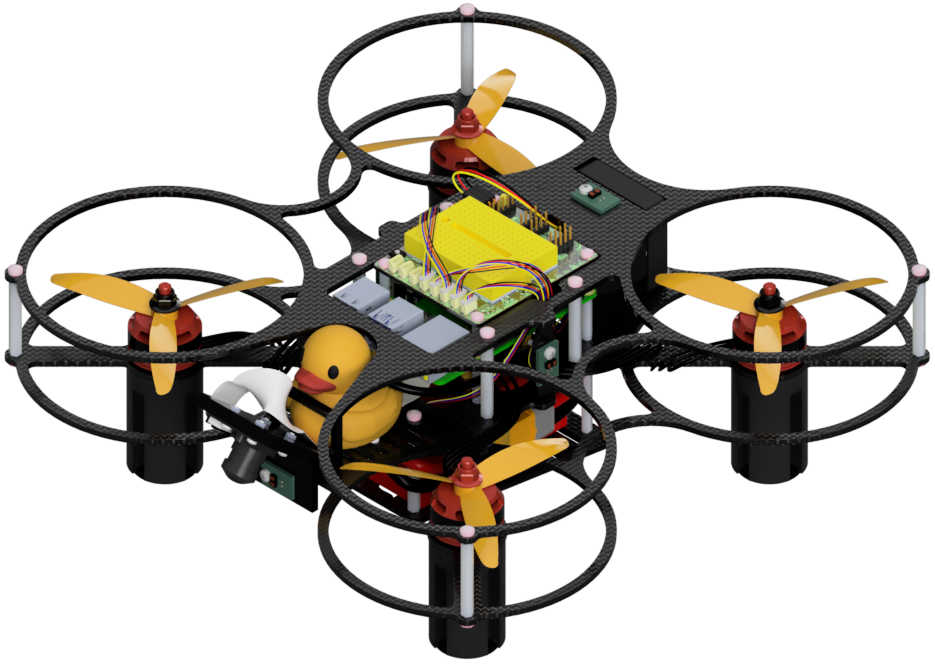
PID control on the Duckiedrone
Contents
PID control on the Duckiedrone#
What you will need
A fully operational Duckiedrone DD24-B
What you will get
A Duckiedrone ready for a controlled test flight
The Duckiedrone DD24-B uses PX4 for flight control. Configure its flight controller with QGroundControl and the Duckietown parameter file as described in Configuring the Flight Controller.
Warning
The Betaflight PID tuning workflow and its recommended values do not apply to the Duckiedrone DD24-B. Do not use Betaflight Configurator or copy Betaflight-specific PID values onto the PX4 flight controller.
PID control#
A proportional-integral-derivative (PID) controller is one part of how the flight controller stabilizes the Duckiedrone. It uses feedback from sensors, including the IMU, to respond to commanded attitude and yaw-rate changes.
In a stable test flight, the Duckiedrone should respond smoothly to roll, pitch, and yaw commands without persistent oscillation or unintended rotation.
Current Duckiedrone DD24-B procedure#
Load the supplied
duckiedrone-px4-v4.paramsfile in QGroundControl as described in Configuring the Flight Controller.With the propellers removed, complete the gyroscope and accelerometer calibrations in QGroundControl’s Sensors section. Calibrate the level horizon if the artificial horizon is not level, as described in Sensor Calibration.
Verify that the Duckiedrone behaves as expected in a controlled test flight, following the safety checks in Flying your Duckiedrone.
Further tuning#
The manual does not currently publish a validated per-axis PX4 PID-tuning procedure or replacement values for the Duckiedrone DD24-B. Change individual controller parameters only with a validated project procedure and support from the Duckietown team.