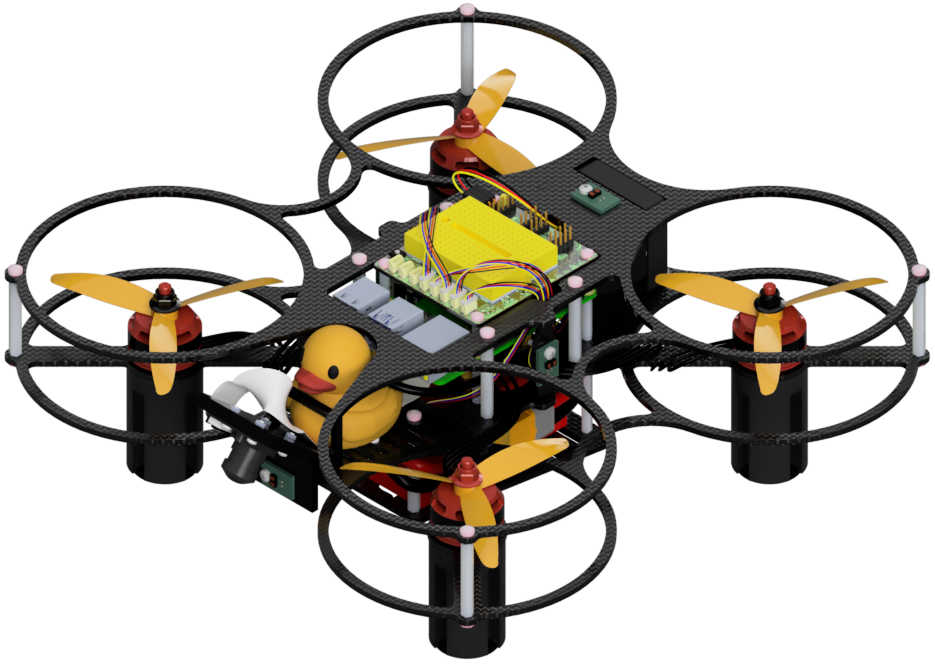
ROS (Robot Operating System)
Contents
ROS (Robot Operating System)#
Overview#
The Robot Operating System (ROS) is a widely used robot middleware that makes communication between processes, known as nodes, extremely easy through the use of ROS topics, which can be published and subscribed to. Each topic has a certain message type that tells the publisher or subscriber what kind of data can be sent and received over a topic. The components of ROS are described in more detail below.
General Components#
ROS Master#
In order for ROS nodes to communicate with each other, there must be a master node running, with which all other nodes register. A better and more detailed description can be found on the ROS wiki site here. A ROS master node is created by running the command roscore in the terminal of a computer that has ROS installed. On the Duckiedrone, roscore is called in window 0 of the screen.
ROS Nodes#
ROS nodes are programs that communicate with other programs via publishing and/or subscribing to ROS topics. A better and more detailed description of nodes can be found on the ROS wiki site here; this link also includes a shorter description along with brief descriptions of other key ROS components. On the Duckiedrone, each window of the screen runs a ROS node.
Messages#
To see what fields standard ROS messages have, you can search for them and look at their parameters. For example, search for “ROS pose message” and click on the first link. You’ll encounter the documentation and see that there are two parameters, position and orientation. If you click on position, you’ll be taken to another message description that says float64 x, and the same for y and z. ROS messages are built up from their primitive types. In this case, the position message contains three parameters, x, y, and z, which are of type float64, a float that takes up 64 bits of storage. The pose message contains two parameters, position and orientation, which are their own types of ROS messages built on primitives. To create a pose message, you can import the message using from geometry_msgs.msg import Pose and then instantiate it: pose_msg = Pose(). Then, you can modify its values in hierarchical order, for example, if you wanted to change the x position to 3, you could write: pose_msg.position.x = 3. If you ever have any questions as to how to access a value, just look up the ROS message as we did above; if the message is a custom message (from pidrone_pkg), just look in the msg folder.
Topics#
Topics are what ROS messages are published and subscribed to. From the ROS wiki, “Topics are named buses over which nodes exchange messages.” Topics have message types that must be followed. Creating a ROS topic involves creating a publisher that publishes to the topic. Then, any node on the same ROS Master can subscribe to this topic to get the data from the messages being published to it. You can print out all of the topics running by entering rostopic list into an empty window after running screen -c pi.screenrc on your drone. We use a specific naming convention for the ROS topics used for the drone. All of the topics start with /pidrone. Then, there may be a subcategory, such as topics coming from the camera: /pidrone/picamera. This keeps things orderly and makes it easy to identify where the data is coming from. You can also print out messages that are being published to a topic by navigating to an empty window in the screen and entering rostopic echo [topic_name]. For example, if you wanted to see the data coming from the distance sensor, you could enter rostopic echo /pidrone/range.
Publishers#
Publishers are used to publish specific message types to specific topics. Publishers are useful for sharing data across nodes. For example, the tof_node, which interfaces with the time-of-flight distance sensor, publishes its data to /pidrone/range, and this data can be accessed by other nodes that subscribe to that topic. On the Duckiedrone, the state_estimator (you’ll be writing this later) will subscribe to this data as a measurement of the height of the drone.
Subscribers#
Subscribers are used to read the messages being published to a ROS topic. When creating a subscriber, you must specify the topic, the message type, and a callback method that takes in the message as an argument and will be called every time a message is published to the topic. For example, if you wanted to update the height of the drone every time a message was published, then, in a ROS node, you would first create a subscriber using rospy.Subscriber("/pidrone/range", Range, range_callback_method). Your callback method might look something like:
def range_callback_method(msg):
drone_height = msg.range