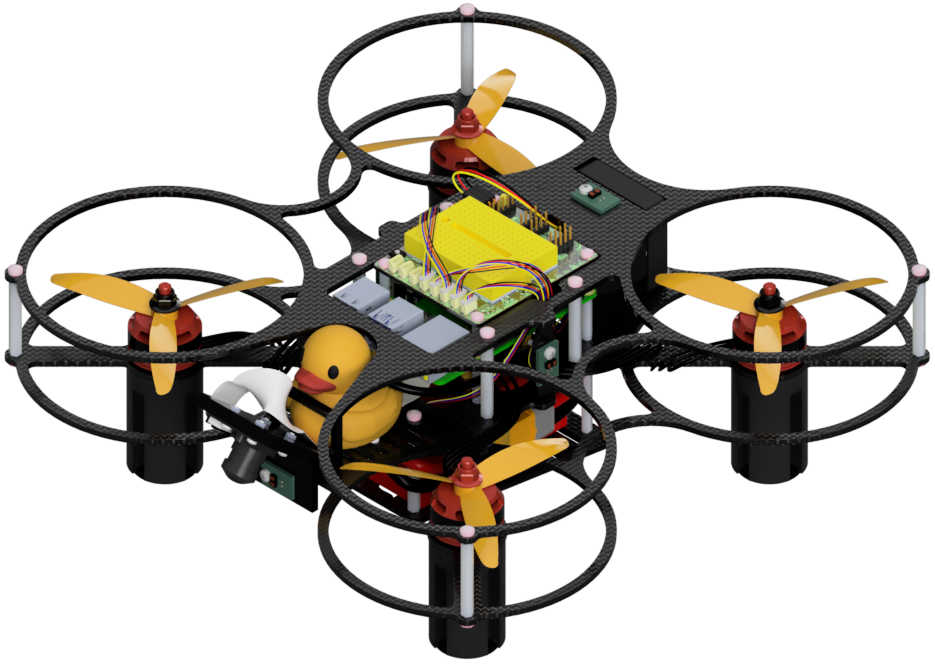
Setting up the Flight Controller
Contents
What you will need
A base station computer running Linux (Ubuntu) or macOS
“Mamba” (DD24-B) Flight Controller
A data-capable USB cable and any required adapter to connect the base station to the Flight Controller’s USB-C port
ESCs already flashed with Bluejay
What you will get
A “Mamba” Flight Controller running PX4 with the Duckietown parameters loaded
Setting up the Flight Controller#
The Flight Controller handles safety-critical low-level behaviors, such as attitude stabilization. Correct Flight Controller setup is essential for safe flight.
The Duckiedrone DD24-B runs the PX4 Autopilot firmware, an open-source flight-control software platform, built for the mamba-f405-mk2 target.
Attention
Flashing the Flight Controller in Initializing the Flight Controller runs directly on a Linux (Ubuntu) or macOS base station, not inside a Duckietown Workspace, because the flashing tools need direct access to the USB port. Windows is not supported for this step.
Flight Controller setup steps#
For a new or re-flashed Flight Controller, first follow Initializing the Flight Controller, then Configuring the Flight Controller. Sensor calibration comes later, once the Duckiedrone is fully assembled. Repeat either procedure only when the firmware or parameter set is intentionally reinstalled.