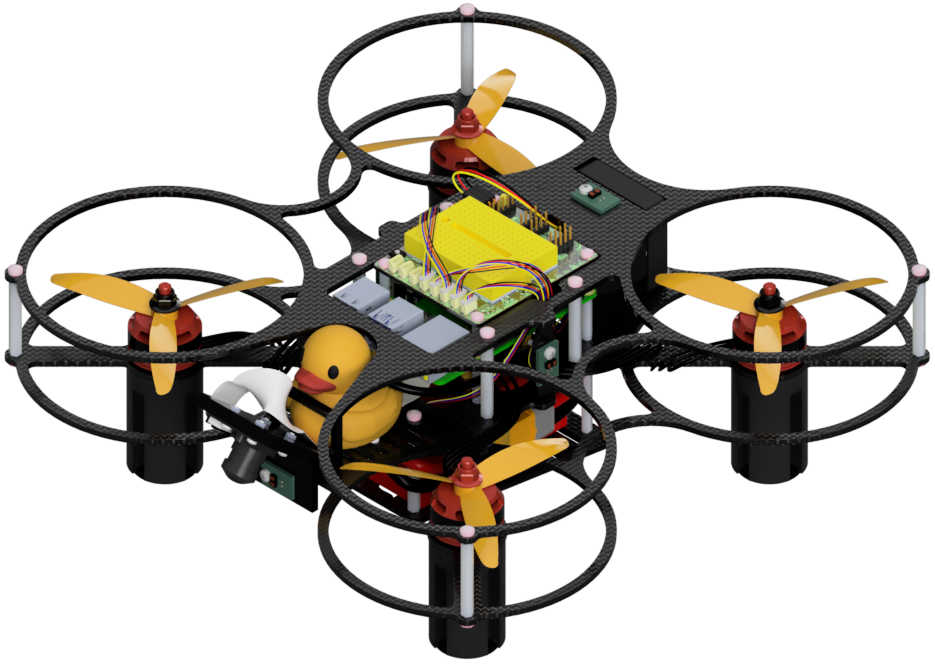
Initial setup
Contents
What you will need
A laptop or desktop computer with a broadband internet connection
What you will get
Necessary accounts created
A functional Duckietown Shell installation
A functional Duckiematrix installation
Knowledge of virtual Duckiedrones
Knowledge of how to get help when needed
Note
The requirements listed in this section are common to any Duckietown robot. Given that this Duckiedrone manual will be merged into the main Duckietown Manual once completed, we refer to its sections when appropriate to avoid duplicating information.
Initial setup#
The Duckiedrone is part of the Duckietown ecosystem. The first steps require setting up the working environment.
Base Station Computer#
To fly the Duckiedrone, you must have a laptop or personal computer (referred to as “base station”) that is capable of connecting to the internet.
A relatively modern commercial laptop computer will suffice for most (non-developer grade) activities, such as building, configuring, and operating the Duckiedrone, both the physical and virtual versions.
See the Duckietown computer and internet requirements for minimum and recommended performance specifications.
OS Requirements#
Use one of the supported base-station workflows:
(recommended) Native or dual-boot Ubuntu
Duckietown Workspaces on macOS or Windows
Duckietown Workspaces are the only supported workflow on Apple Silicon (M-series) Macs and Windows.
Follow the Duckietown computer setup guide to set up your base station.
Required software and accounts#
A few programs are introduced throughout these instructions as needed.
At this stage, complete the Duckietown general initial setup, which guides you through:
Setting up your computer for your operating system
Creating the necessary GitHub, Docker Hub, and Duckietown accounts
Accessing support channels
Duckiematrix and virtual Duckiedrones#
The Duckiematrix is Duckietown’s virtual environment, a powerful simulator supporting virtual Duckietown robots.
Learn about virtual Duckietown robots (including Duckiedrones)
To quickly get started with both the Duckiematrix and virtual Duckiedrones, try the virtual Duckiedrone ROS 2 takeoff demo.
Getting help#
Learn how to get (and provide) help through the Duckietown Slack community and Duckietown Archives.