
Layer - Traffic Signs
Contents
Layer - Traffic Signs#
The signals layer consists of traffic signs. These traffic signs are placed on the road layer, outside the lanes, serving both functional and non-functional purposes.
See also
The full set of currently existing signs is available here.
Functional Purposes#
Traffic signs can serve specific functions that are encoded in some Duckietown legacy behaviors. For instance:
Note
Traffic signs:
Identify the type of intersection (3- or 4-way).
Indicate the Duckiebot’s position at the intersection.
Communicate the coordination mechanism for the specific intersection (centralized or decentralized).
Non-Functional Purposes#
Traffic signs can also be used for purposes not encoded in Duckietown’s out-of-the-box behavior. Examples include:
Note
Traffic signs can be used for:
Naming roads (e.g., to honor the department head).
Indicating pedestrian traffic areas.
Marking parking lots.
Traffic signage in Duckietown combines traditional traffic signs and AprilTag visual markers, as shown in Fig. 101.
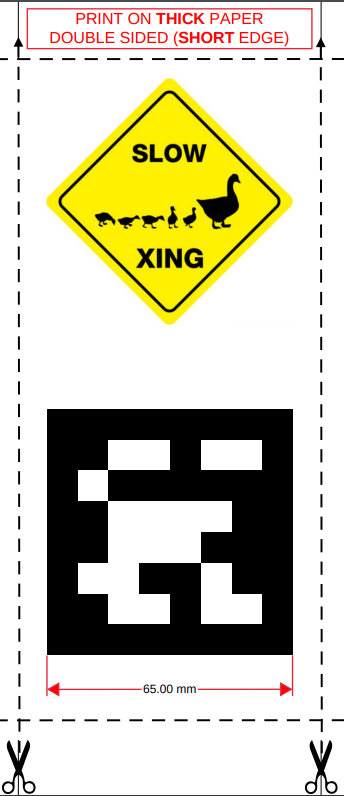
Fig. 101 A traffic sign in Duckietown (do not print this one out!)#
The symbol above is referred to as a traffic sign, while the code below represents an AprilTag.
Note
For instructions on printing and assembling traffic signs, refer to Assembly - Traffic Signs.
Specifications#
For traffic signage to be compliant:
The center of traffic signs must be 13 cm above the floor layer.
AprilTags must measure 6.5 cm squared.
There should be a white border of approximately 0.8 cm around the AprilTags.
Signs must stand perpendicular to the ground and form a \(90^\circ\) angle with the road.
Signs must be flat, with no deformation or wrinkles (use thick paper for best results).
Types#
The allowable traffic signs in Duckietown are listed in Table 2.

Fig. 102 stop# |
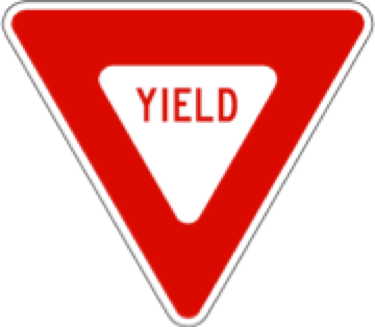
Fig. 103 yield# |
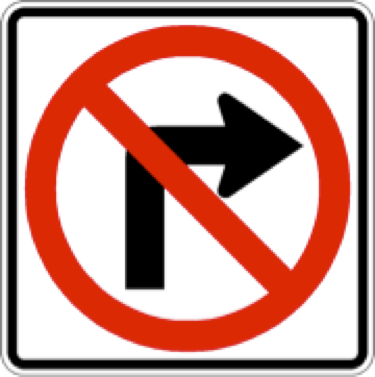
Fig. 104 no-right-turn# |
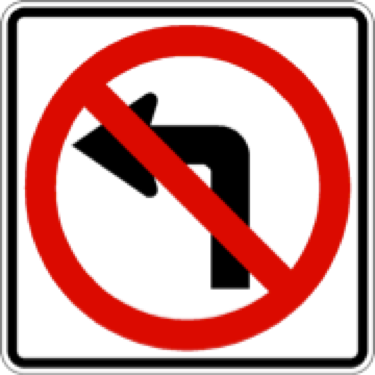
Fig. 105 no-left-turn# |
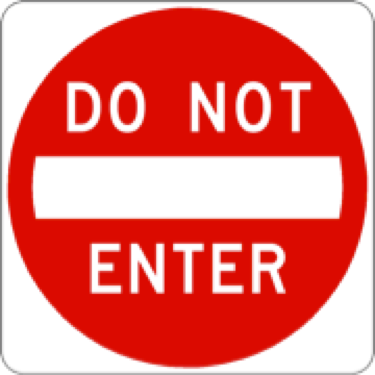
Fig. 106 do-not-enter# |
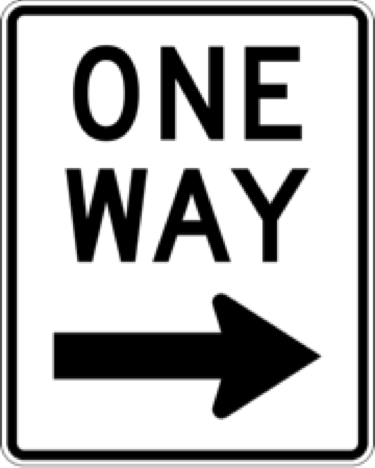
Fig. 107 one-way-right# |
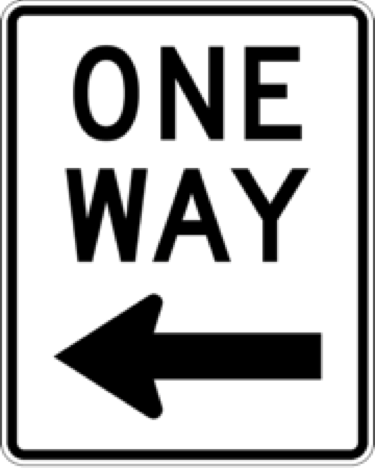
Fig. 108 one-way-left# |
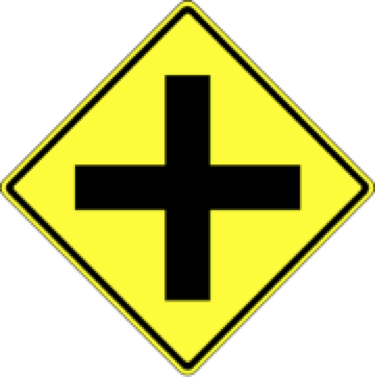
Fig. 109 4-way-intersect# |
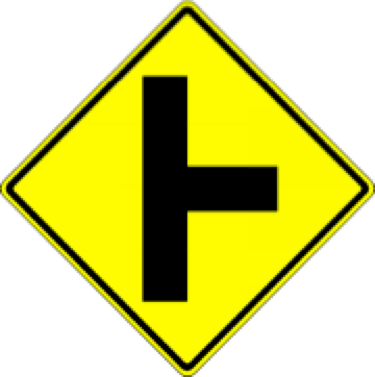
Fig. 110 right-T-intersect# |
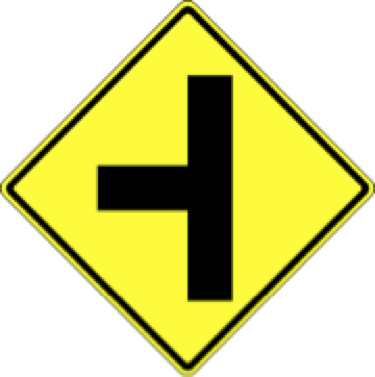
Fig. 111 left-T-intersect# |
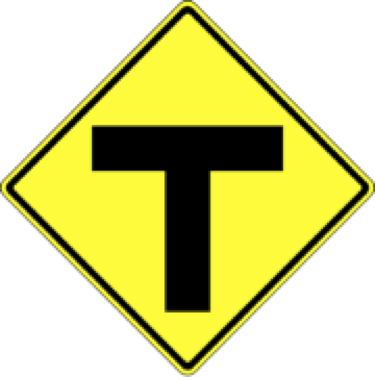
Fig. 112 t-intersection# |
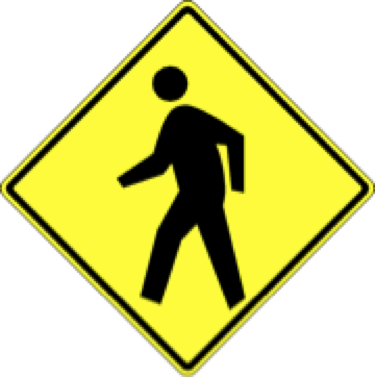
Fig. 113 pedestrian# |
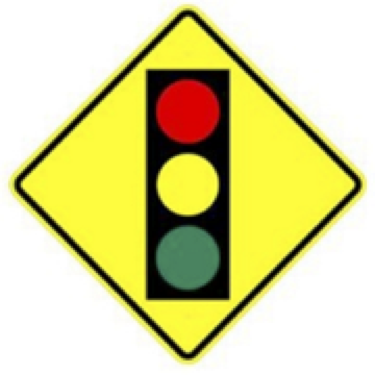
Fig. 114 t-light-ahead# |
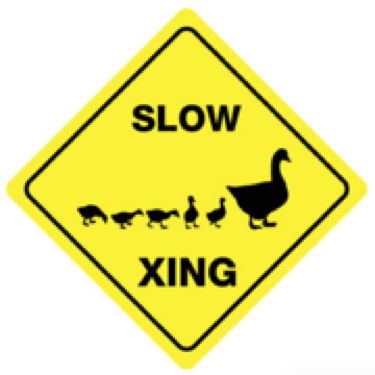
Fig. 115 duck-crossing# |
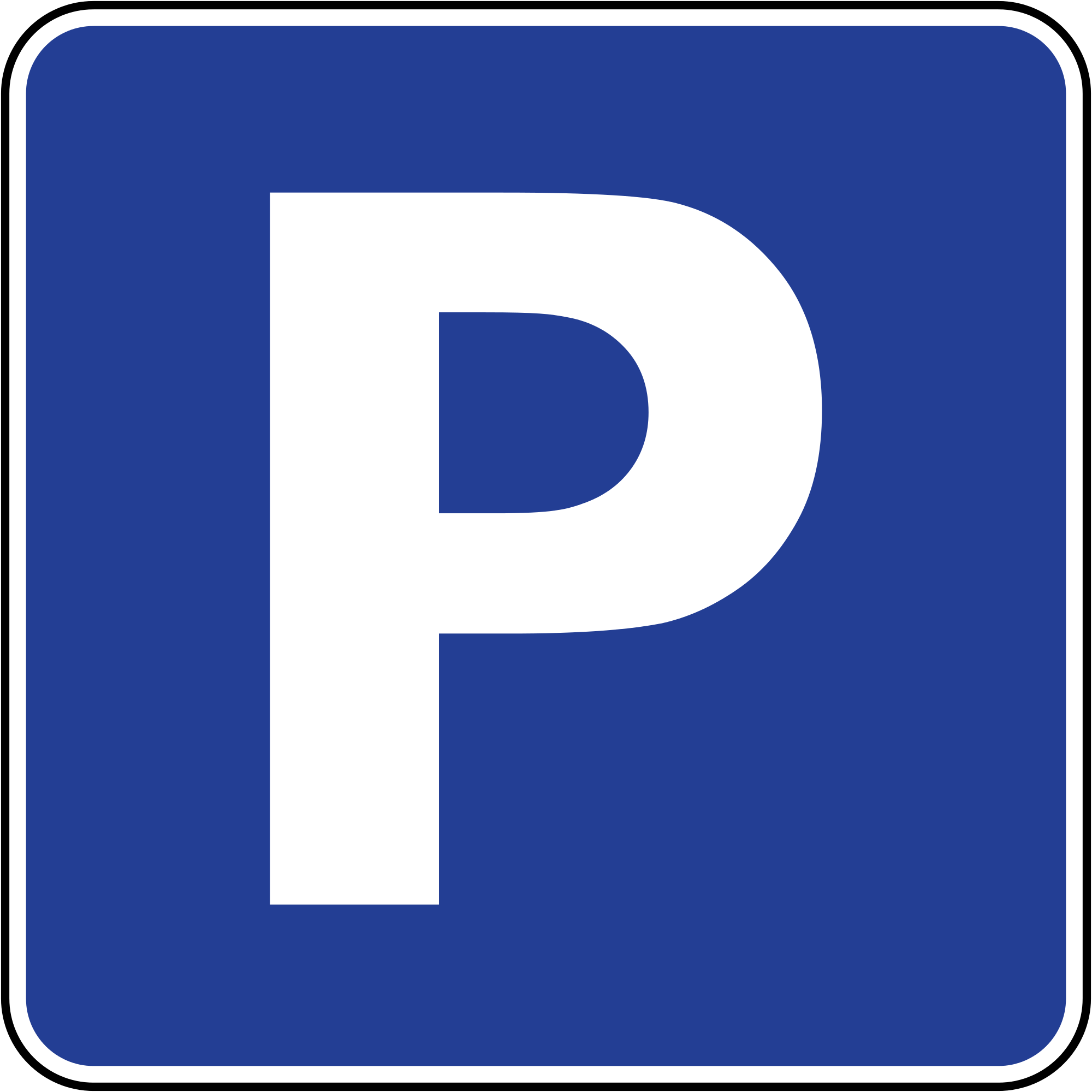
Fig. 116 parking# |
Traffic Sign Placement#
Traffic signs should be placed on empty tiles or at the border of a map. It is crucial to ensure the base of the sign stand does not overlap with any road markings.
At intersections, two signs should be clearly visible from each stop line:
The intersection type (e.g., traffic light or stop sign).
The intersection topology (e.g., 3-way with orientation, or 4-way).
Sign placements for different scenarios are illustrated in Table 3.
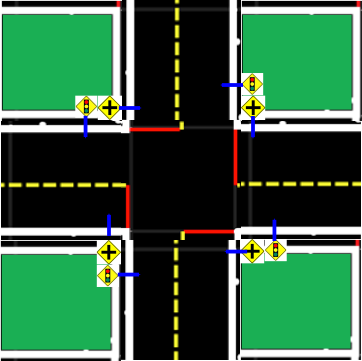 Fig. 117 4-way intersection# |
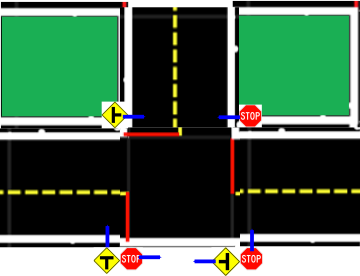 Fig. 118 3-way intersection# |
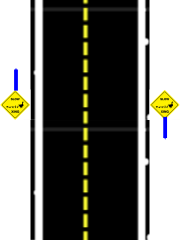 Fig. 119 Straight road# |
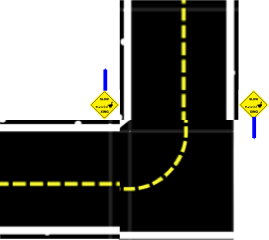 Fig. 120 Curved road# |
On straight and curved roads, additional signs can be added as desired. Their placement is indicated in Fig. 119 and Fig. 120. These signs should face oncoming traffic.