Overview of ente LXs
Contents
Overview of ente LXs#
Currently supported ente learning experiences for Duckiebots share a common structure and features.
Each LX is hosted in a set of repositories in the Duckietown organization GitHub. The names of these repositories follow the following structure, where LXNAME is the LX name:
lx-[LXNAME]: this is the “front-end” of the LX, starting point of each LX for learners. These repos are public.lx-recipe-[LXNAME]: this is the “technical backend” for each LX. These repos are public.lx-[LXNAME]-solution: this is a copy of thelx-[LXNAME]repo, with solutions. These repos are private, and only made available to instructors.
Warning
Learning Experiences in daffy were structured in a monolithic repository. For additional information, refer to the daffy Duckiebot Operation Manual. Note that daffy LXs are not compatible with an ente environment, and vice versa.
LX Features and Activities#
Note
Learning Experiences are run using the dts code workflow as described in: General Procedure for Running Learning Experiences.
The following activity types can be implemented with the Duckietown Learning Experience infrastructure:
Activity: Notebooks#
Duckietown learning experiences are consumed through Notebooks, without the need to install a local editor. This offers learners a uniform experience to engage with the content. A preconfigured VS Code editor and notebooks are initialized through the command:
dts code editor
The notebooks directory will always contain the first activity.
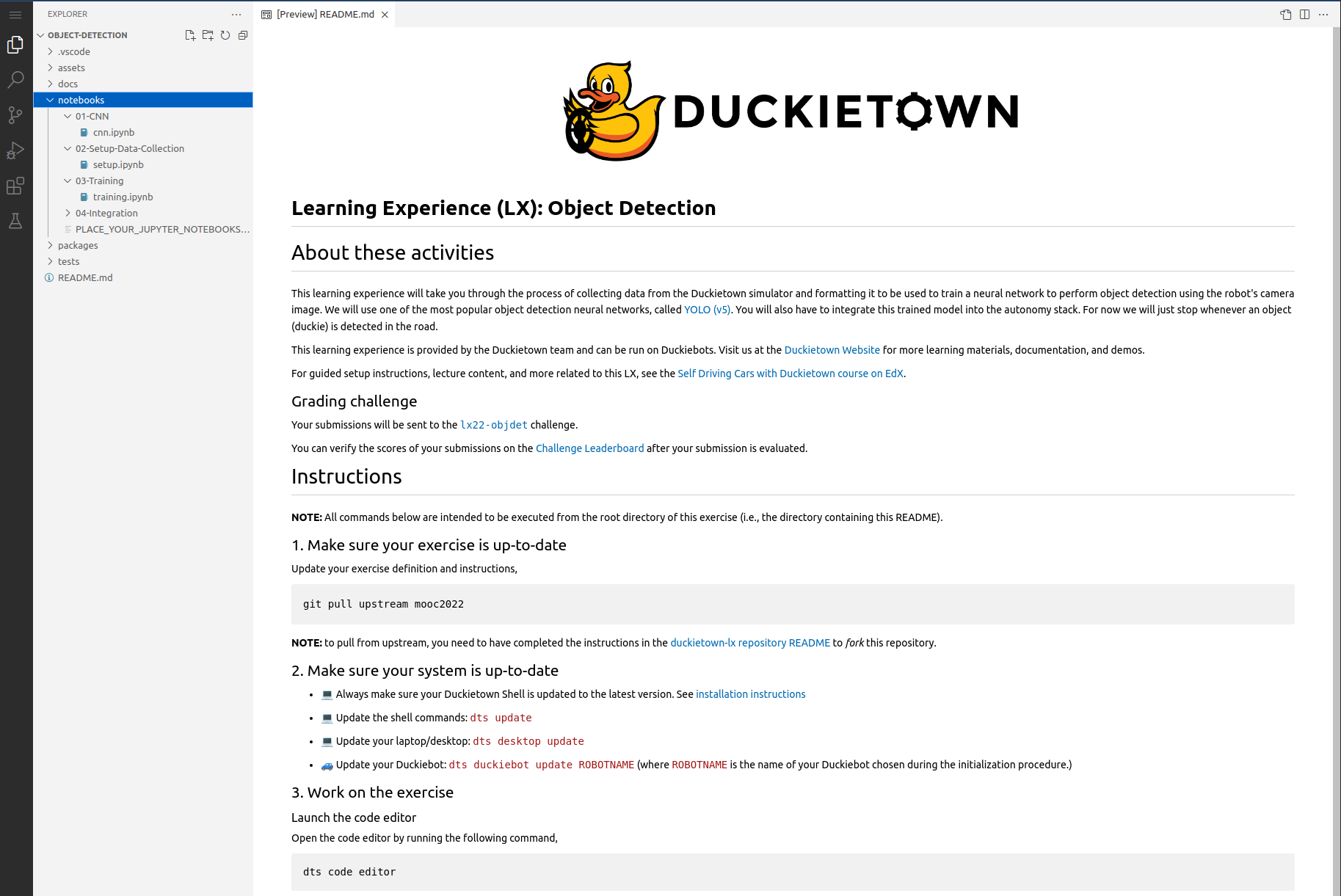
Fig. 148 Editor interface for launching notebooks in a learning experience#
Notebooks provide a rich environment for implementing learning activities, from simple text to images, videos, interactive code cells, and more. In Duckietown LXs, we mostly intend these notebooks as “class notes” rather than full standalone learning modules and as a preconfigured interactive coding environment that enables learners to focus on the intended learning outcomes of the LX rather than getting distracted by the many underlying details of robotics.
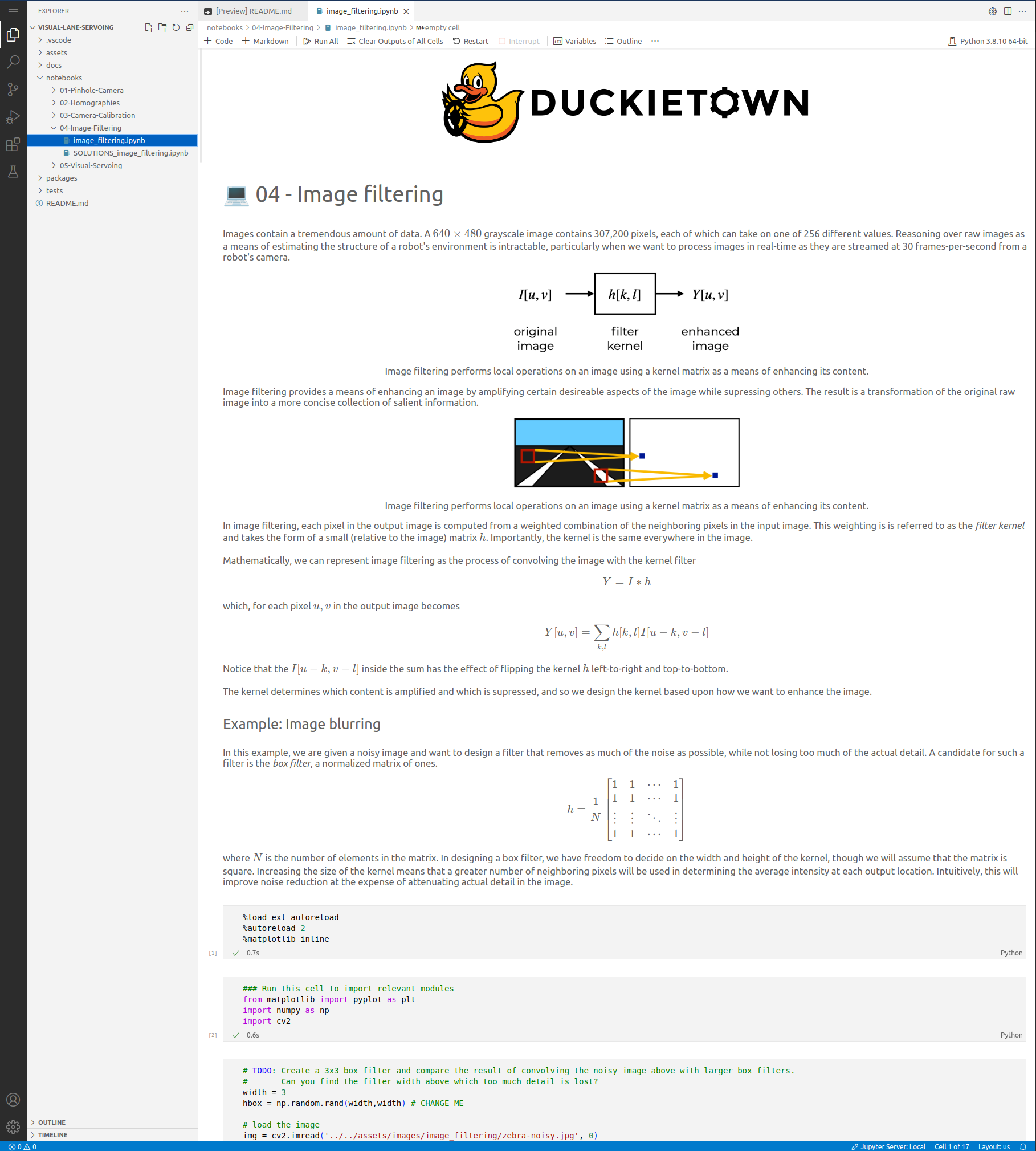
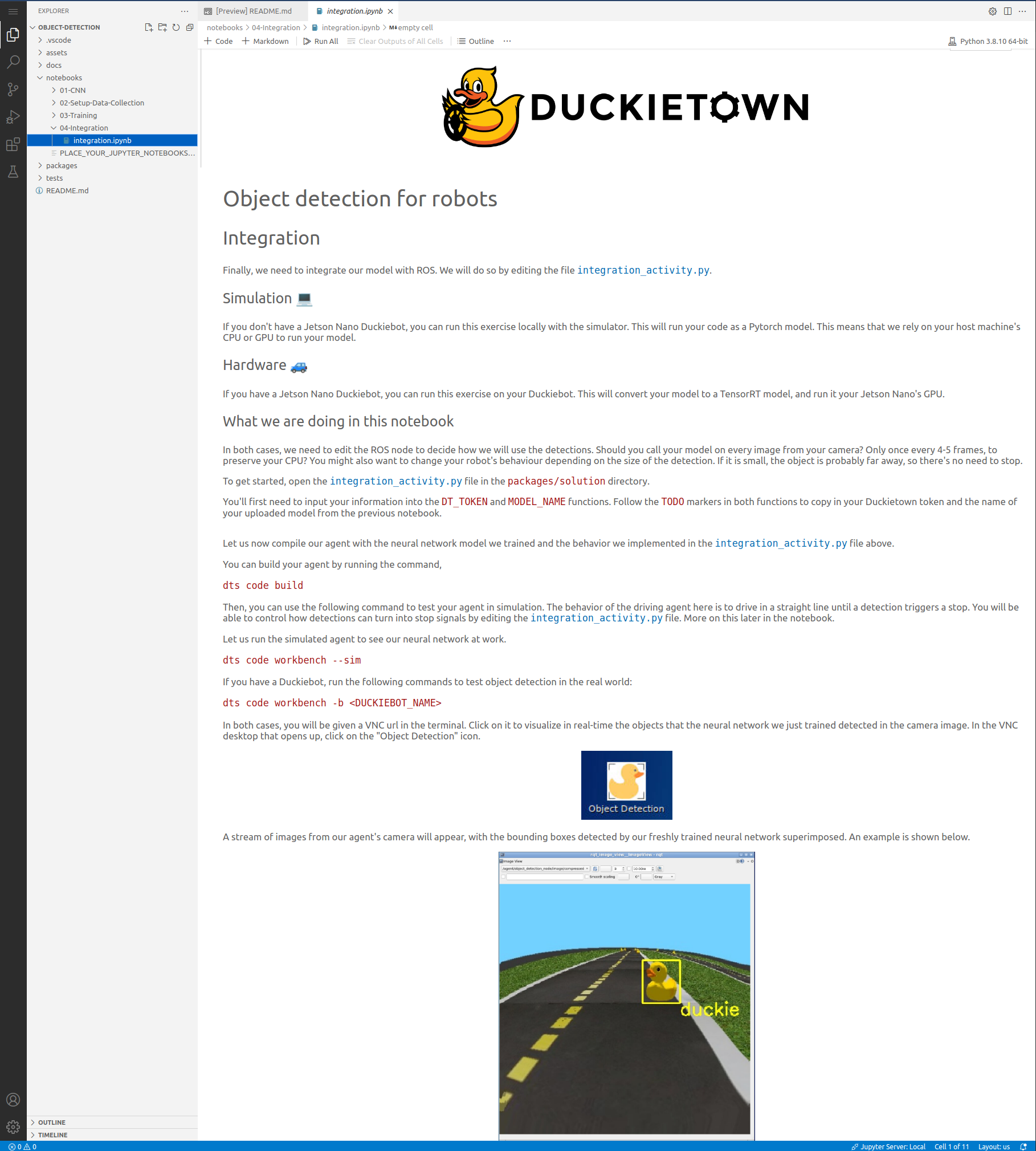
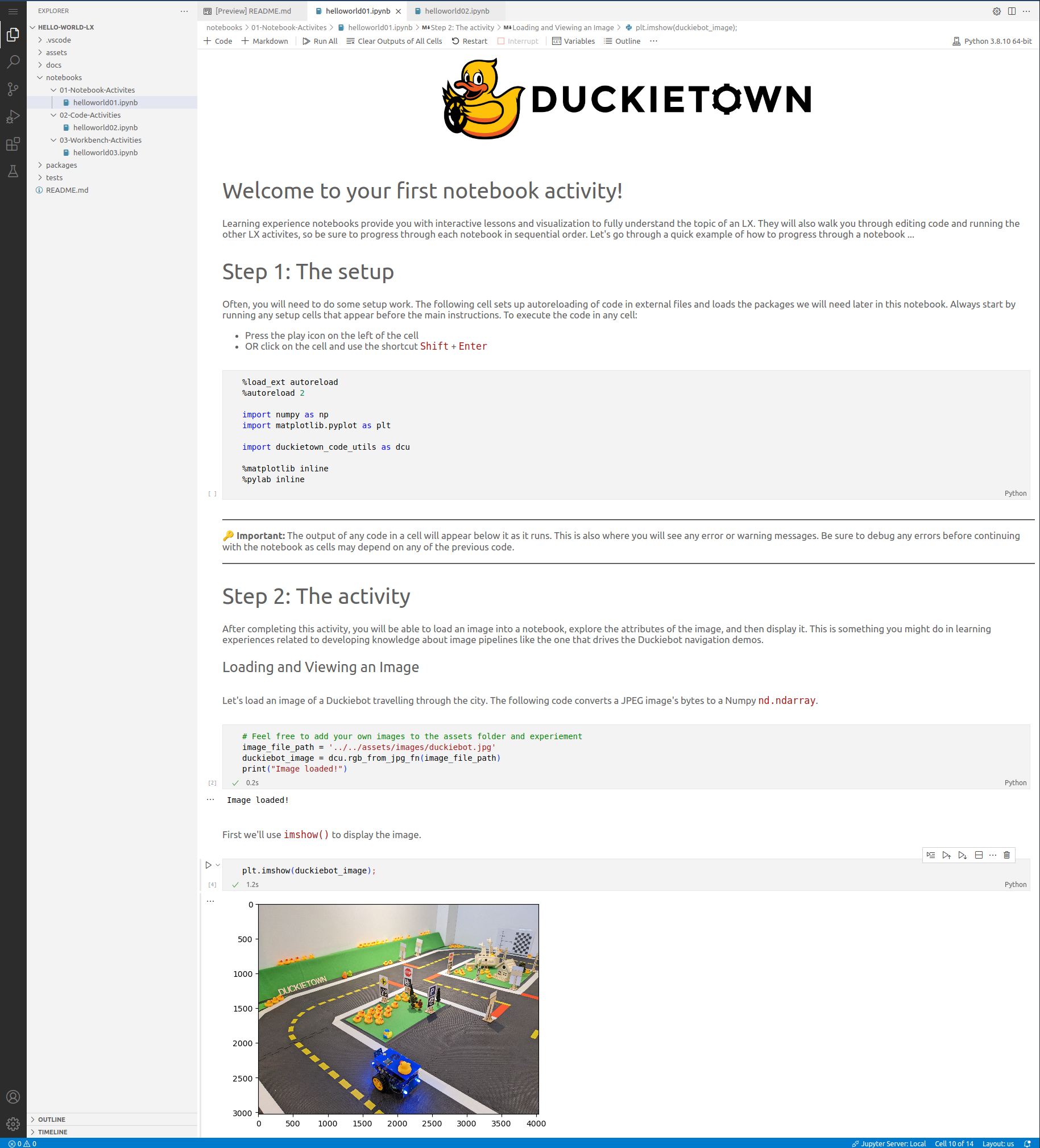
Coding inside notebooks#
While short form coding learning activities can be well implemented in cells, directly inside the Jupyter notebook, inside a LX learners may also be directed to implement long-form code solutions in the provided solution package.
The code placed inside this folder can then be imported in the notebooks for visualization and testing, or automatically compiled and configured to be deployed as an agent on Duckietown robots (Duckiebot, Duckiedrones) - both physical and virtual. Code is built using the dts code build function:
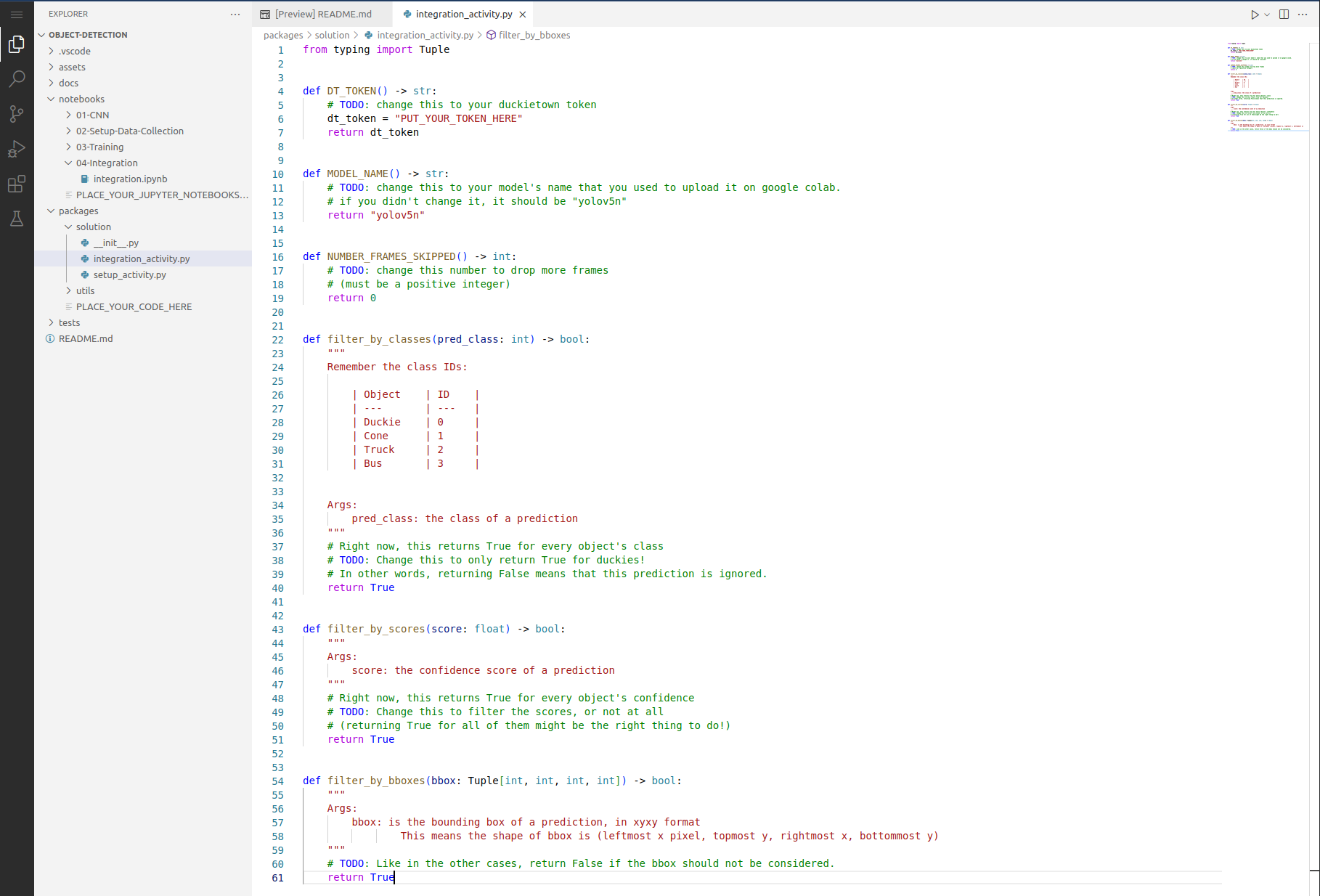
Fig. 152 Example solution structure#
Each learning experience typically collects more than one notebook. Starting from the first one, notebooks should be written/engineered to guide learners through the rest of the learning experience in proper order.
Activity: Workbench#
A workbench activity provides a VNC that is used for running tools, simulation, and agent-based activities.
This is a fully functional Desktop environment with the Duckietown and ROS dependencies installed and can be started by
simply running dts code workbench. Instructors can develop custom tools or incorporate any standard ROS tool into
the LX activity.
The object detection LX uses the workbench environment to run a dataset augmentation tool for learners.
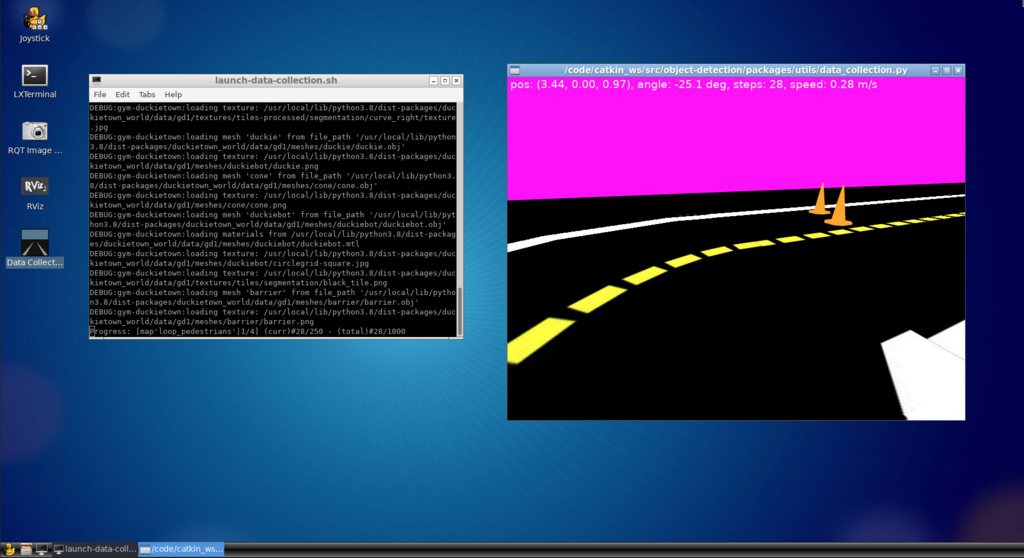
Fig. 153 Workbench environment enables development of various tools, e.g., for running dataset augmentation for object detection#
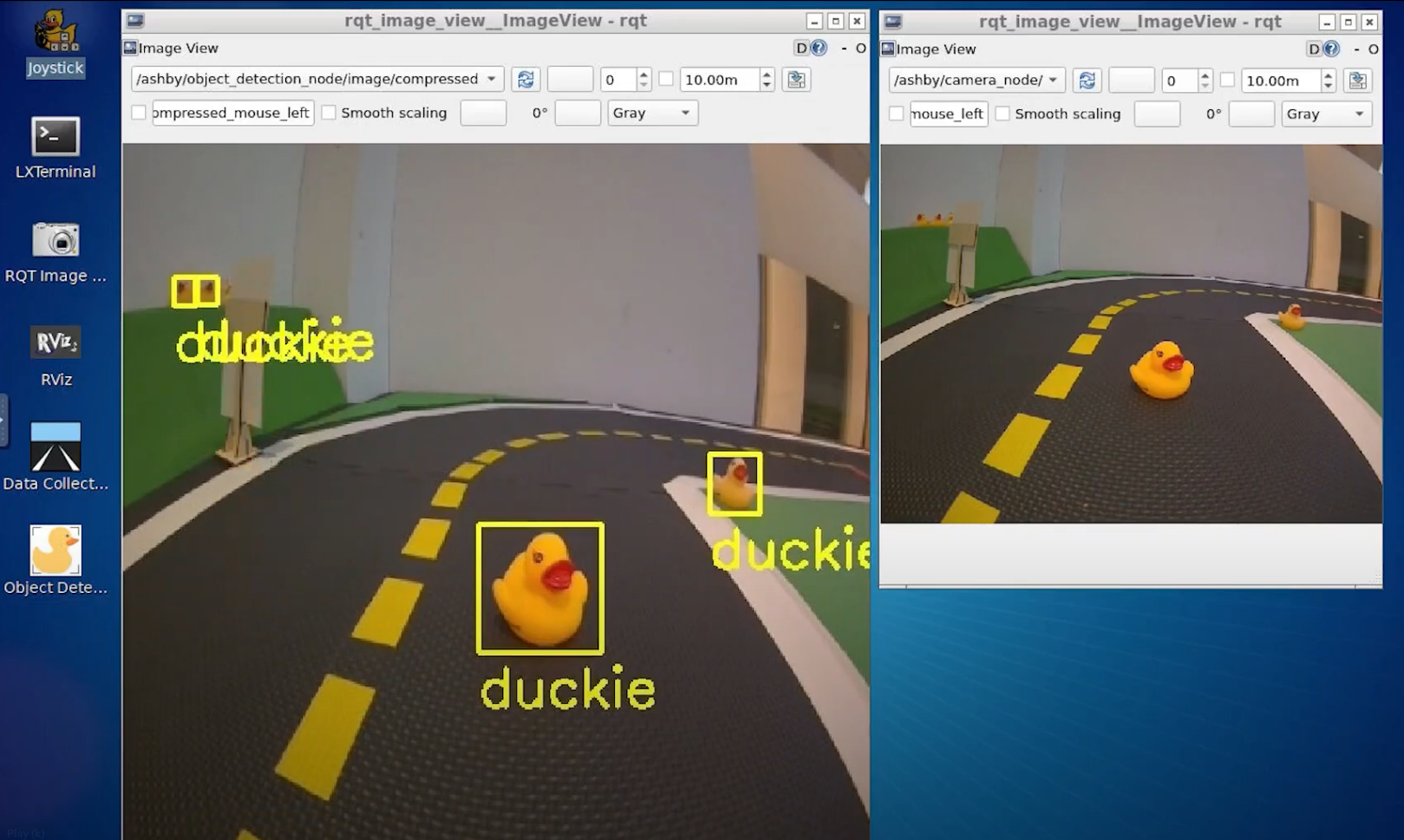
It can also be used to display the object detection model results as applied to an image stream from the Duckiebot for visual analysis.
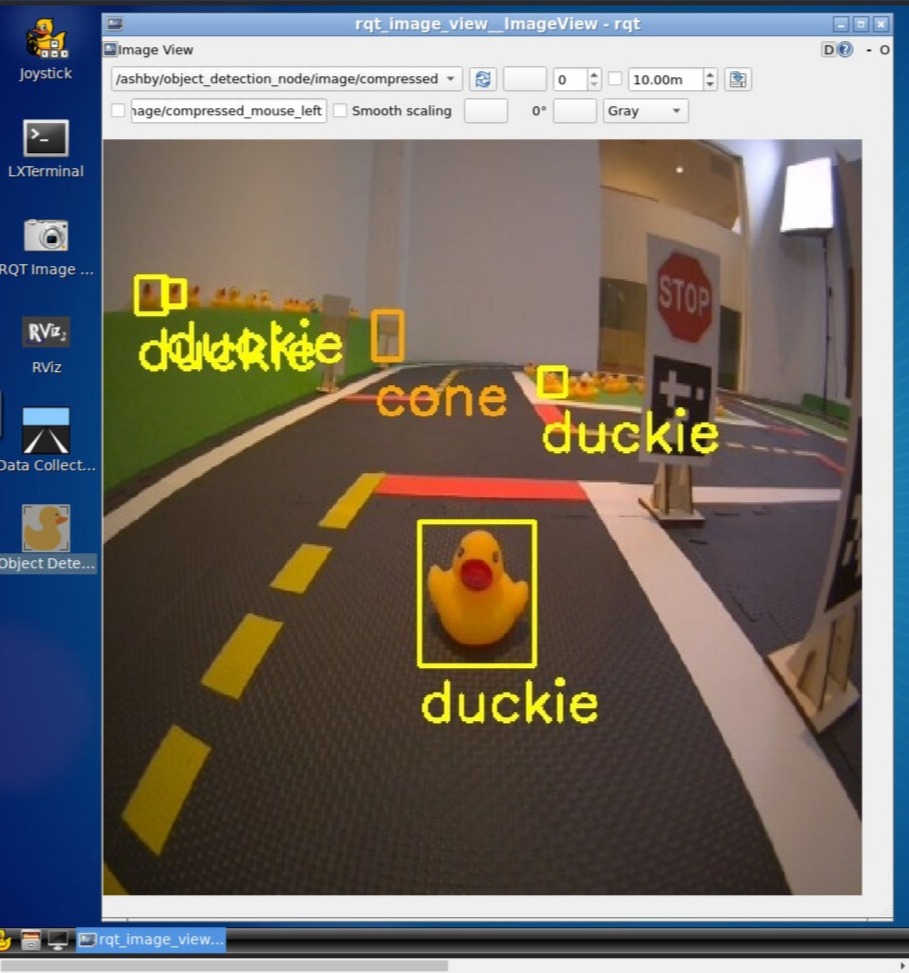
Fig. 154 Object detection visual output inside dts workbench environment#
Running Code in Simulation#
The workbench can also run simulated (virtual) Duckiebot agents, allowing learners to test their robot behaviors in a virtual environment.
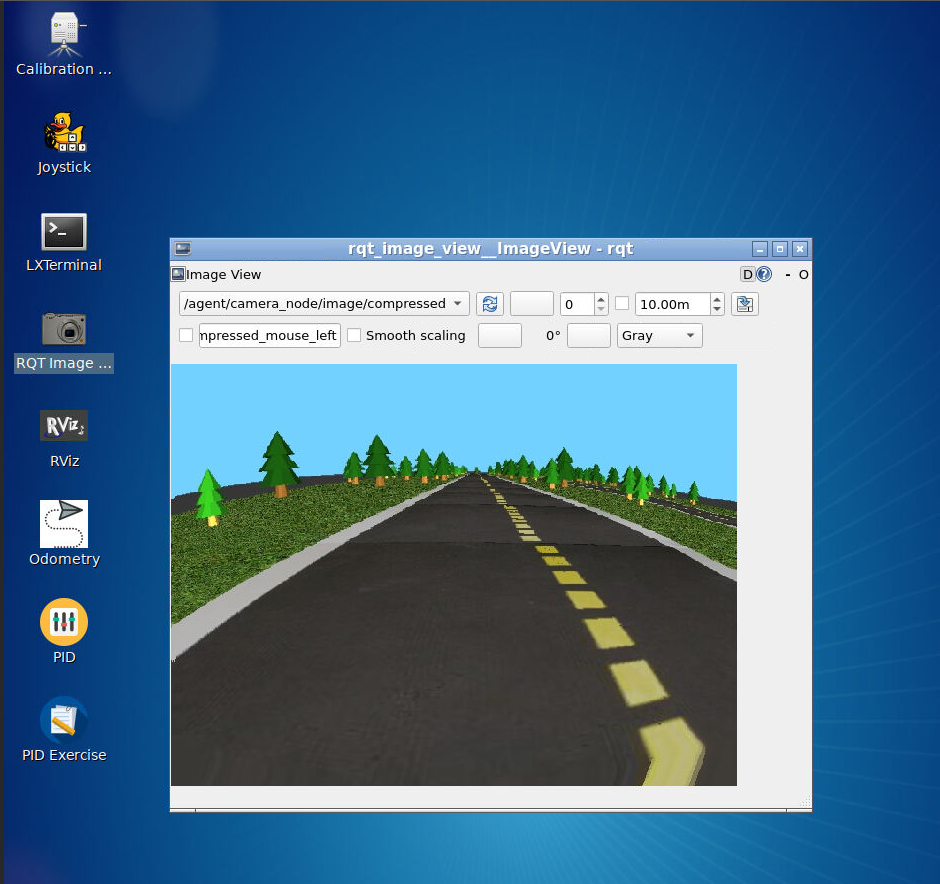
Fig. 155 Workbench simulation for Duckiebot agent#
Running Code on Duckiebot#
Once their solution works in simulation, learners may wish to run their solution on a physical Duckiebot in a Duckietown environment like the one shown below.
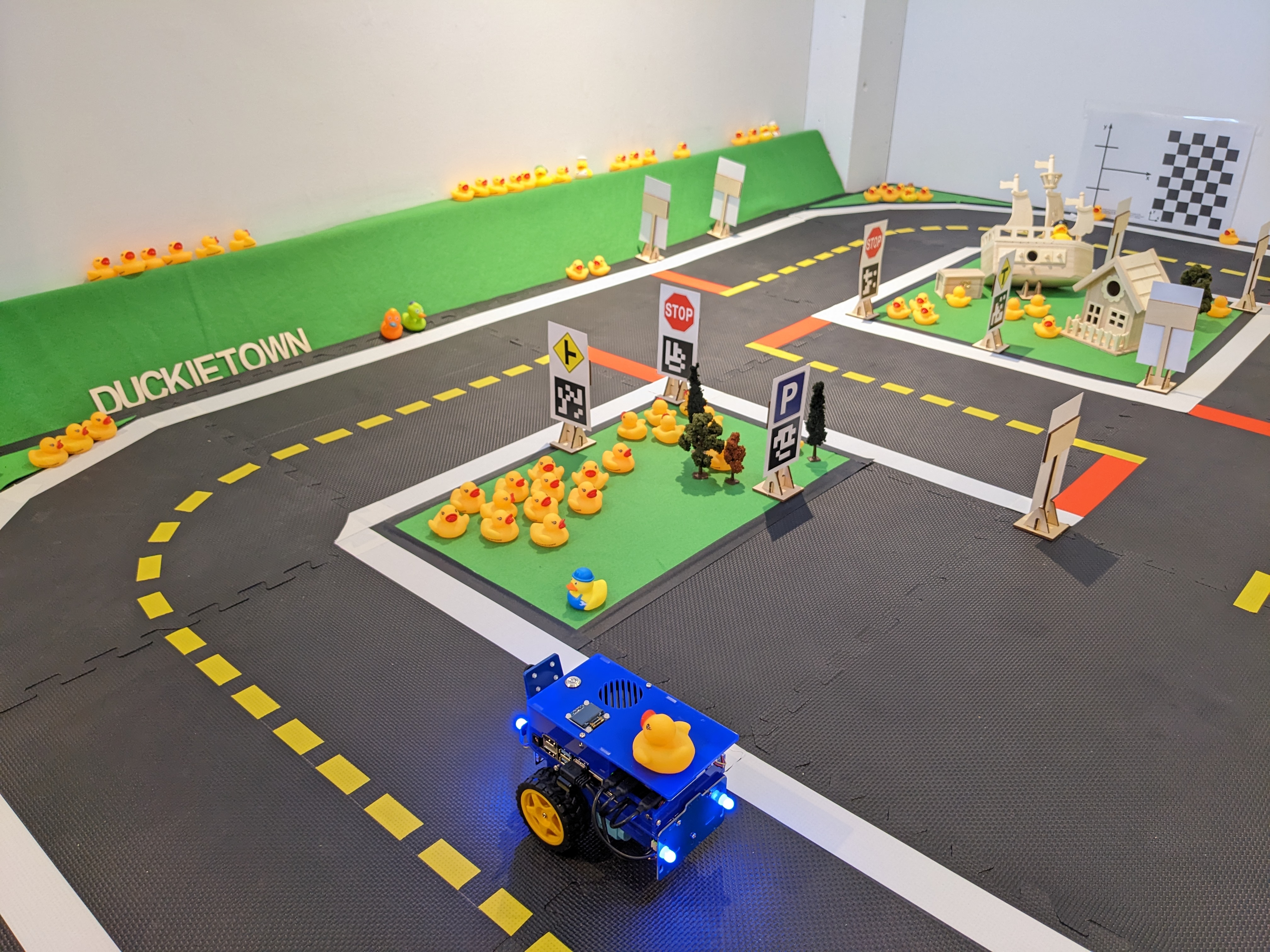
Fig. 156 DB21J4 Duckiebot in a physical Duckietown#
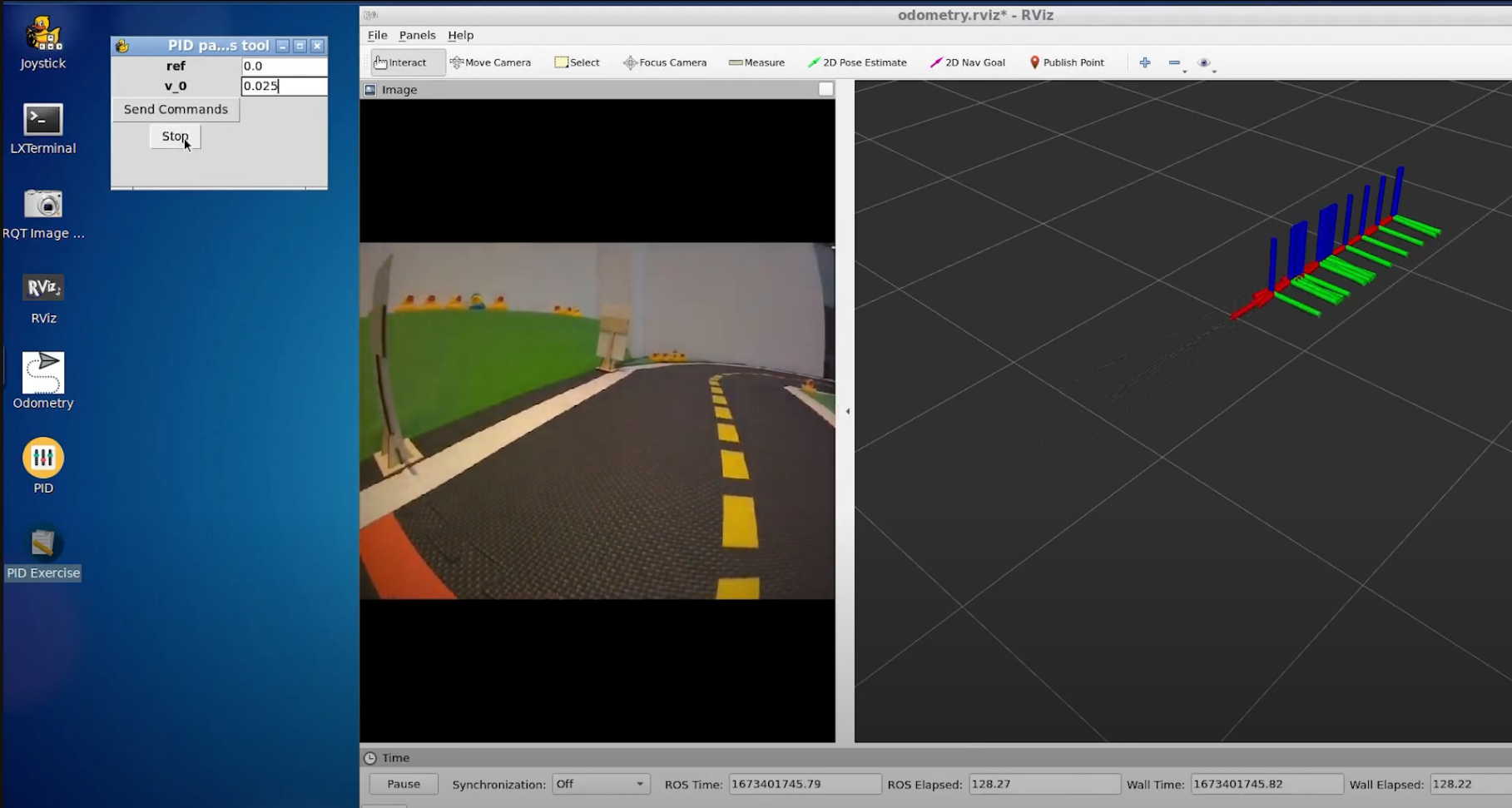
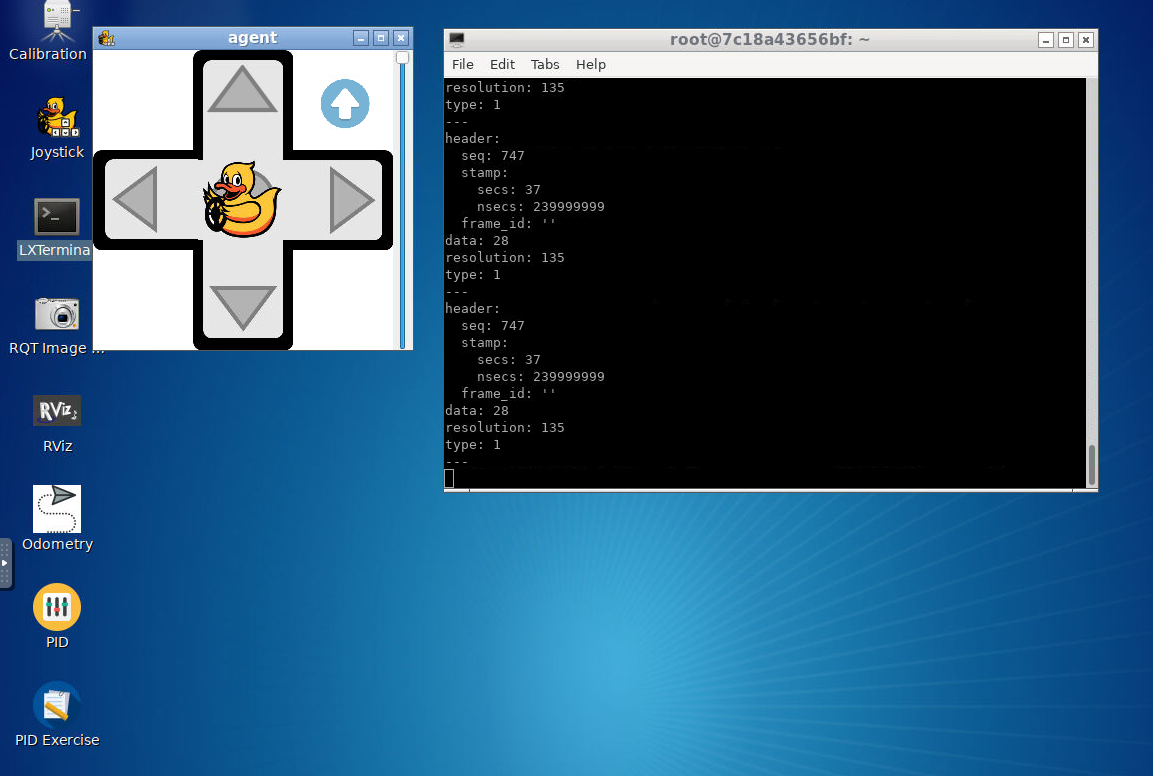
The workbench can interface with the Duckiebot using the ROS network and run connected tools such as keyboard control
or rviz. Tab through the gallery below to see examples of a variety of tools for interacting with Duckiebot agents.